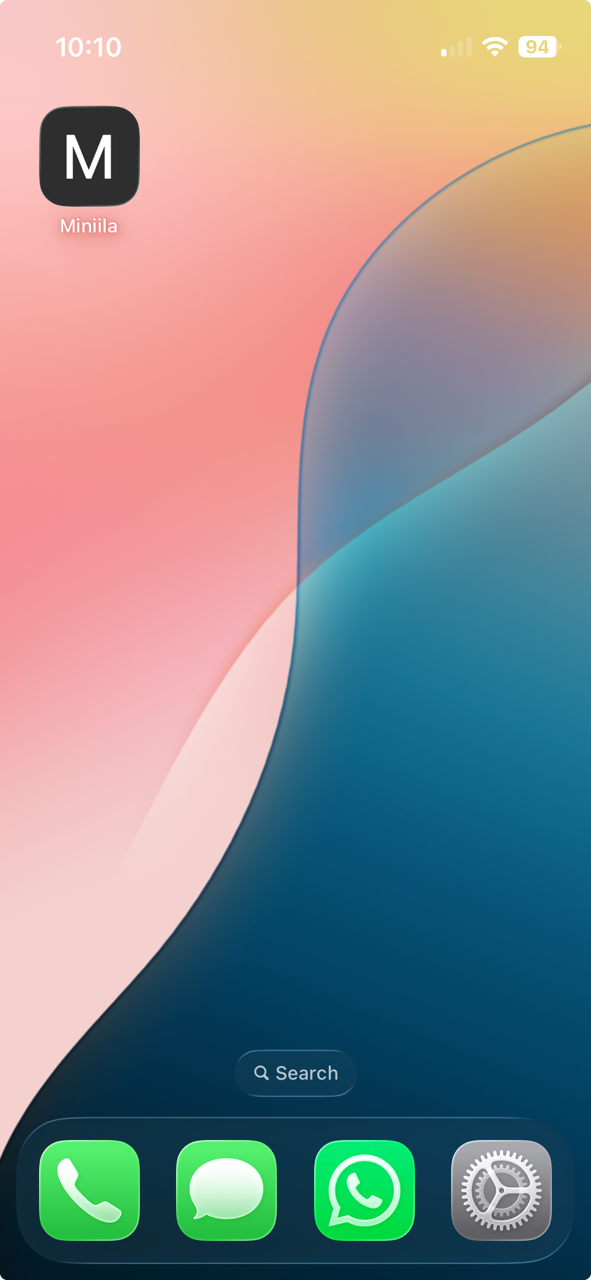
Save as App
You can save Miniila as an app on your smartphone’s home screen for quick access. Just follow these instructions:
iPhone
Open Safari
Go to miniila.com
Tap the Share button in Safari (via the three dots)
Choose Add to Home Screen (under View More)
Android
Open Google Chrome
Go to miniila.com
Tap the three-dot menu in Chrome
Select Add to Home Screen